Battle Info Menu
The Battle Info Menu can be accessed in any game mode and contains useful information about the length of your current game and resources acquired in the match.
Overview
The Battle Info Menu can be found by selecting the options button in the top right corner of any game mode.
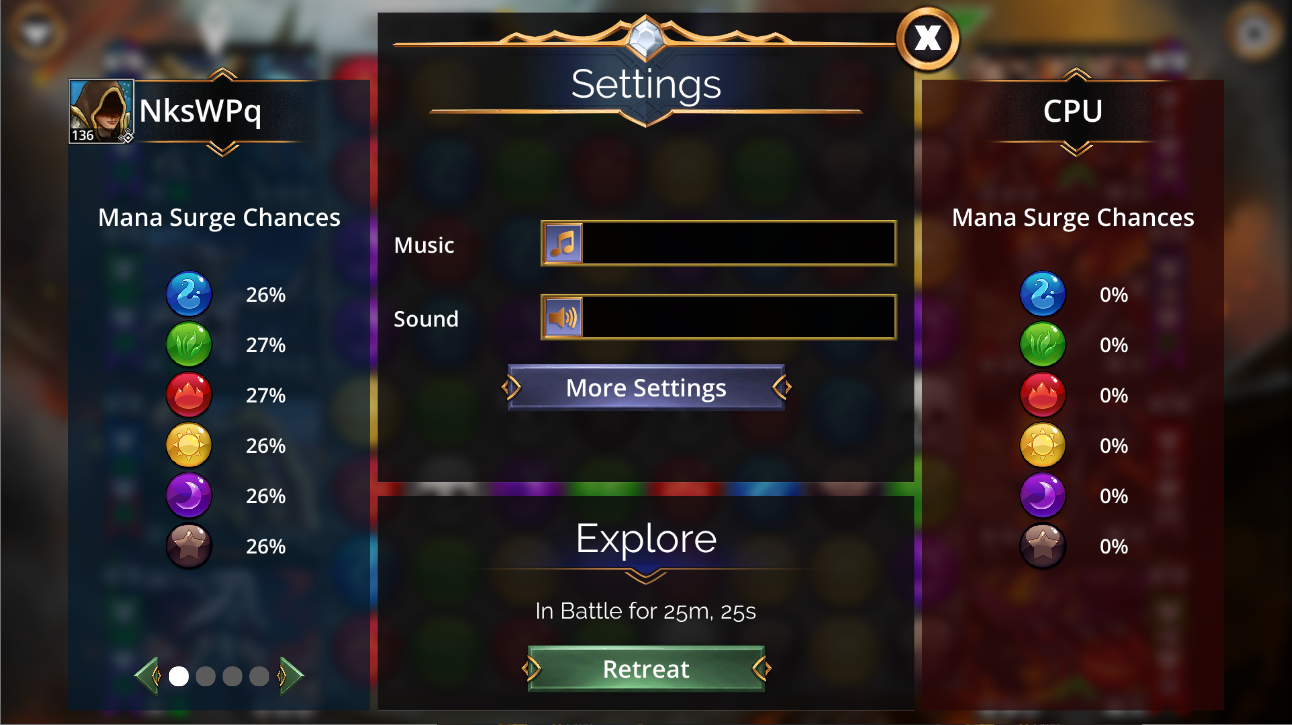
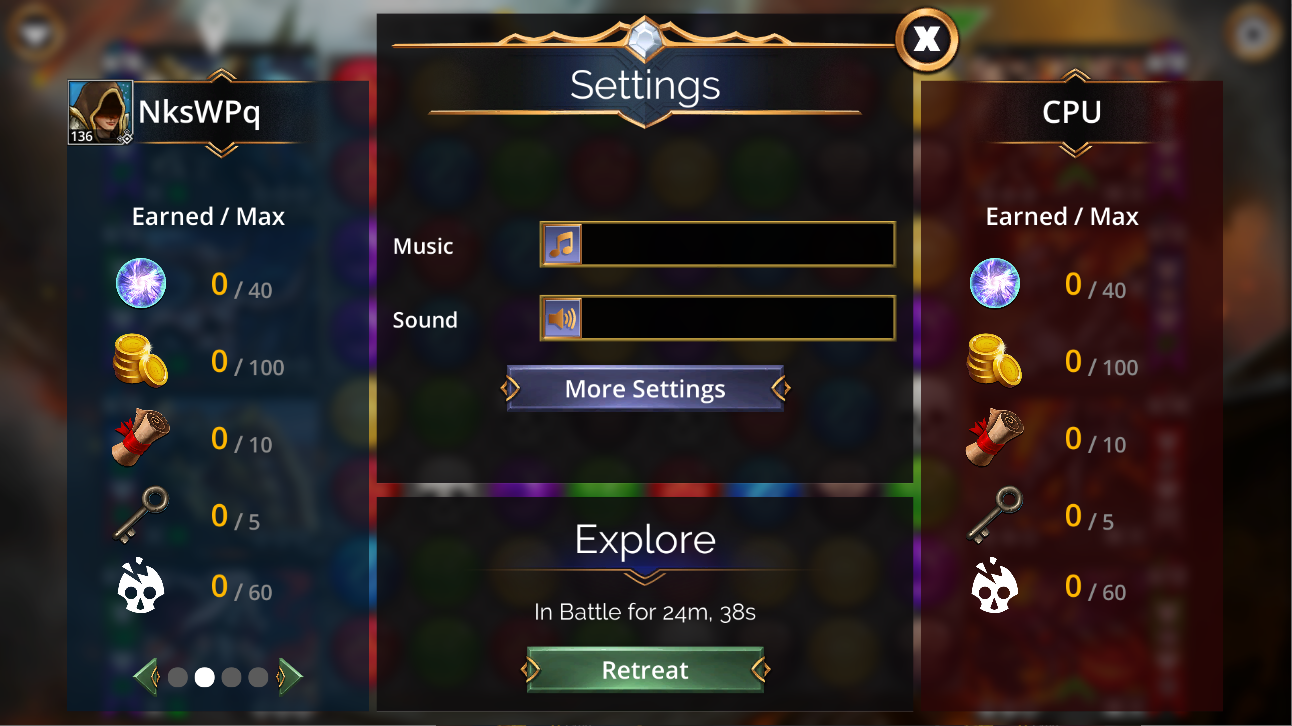
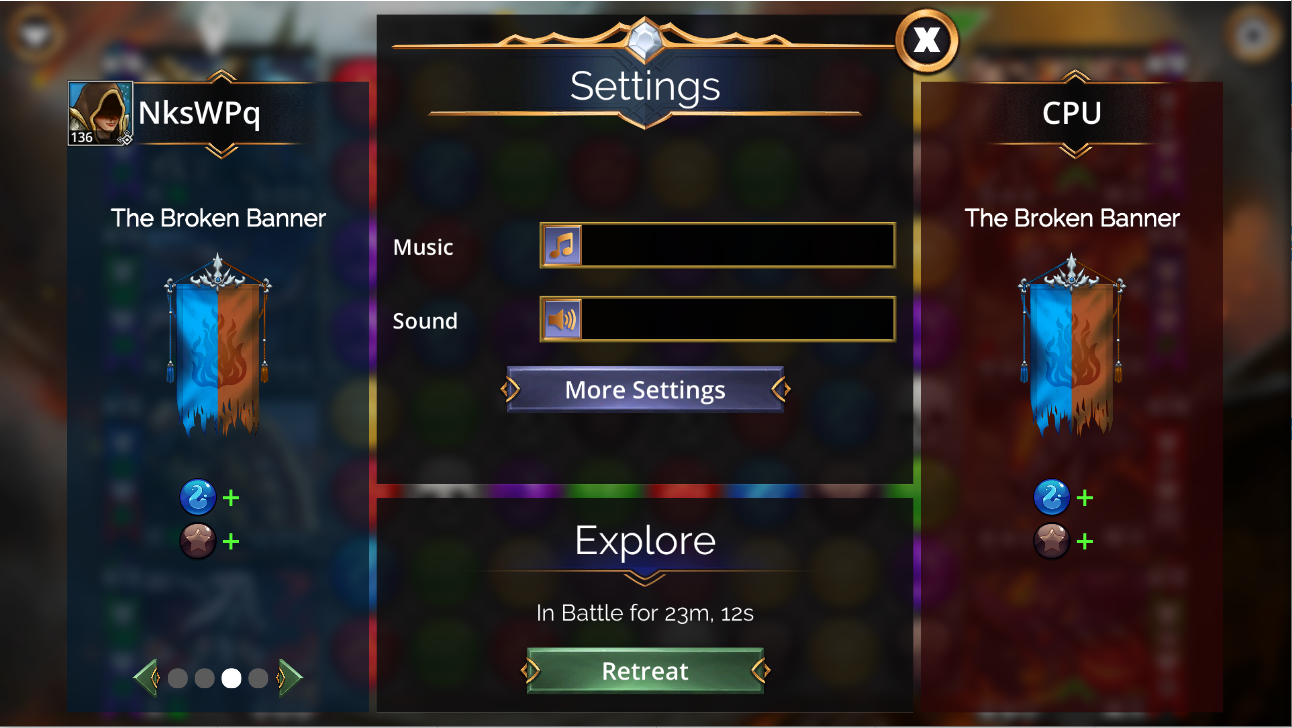
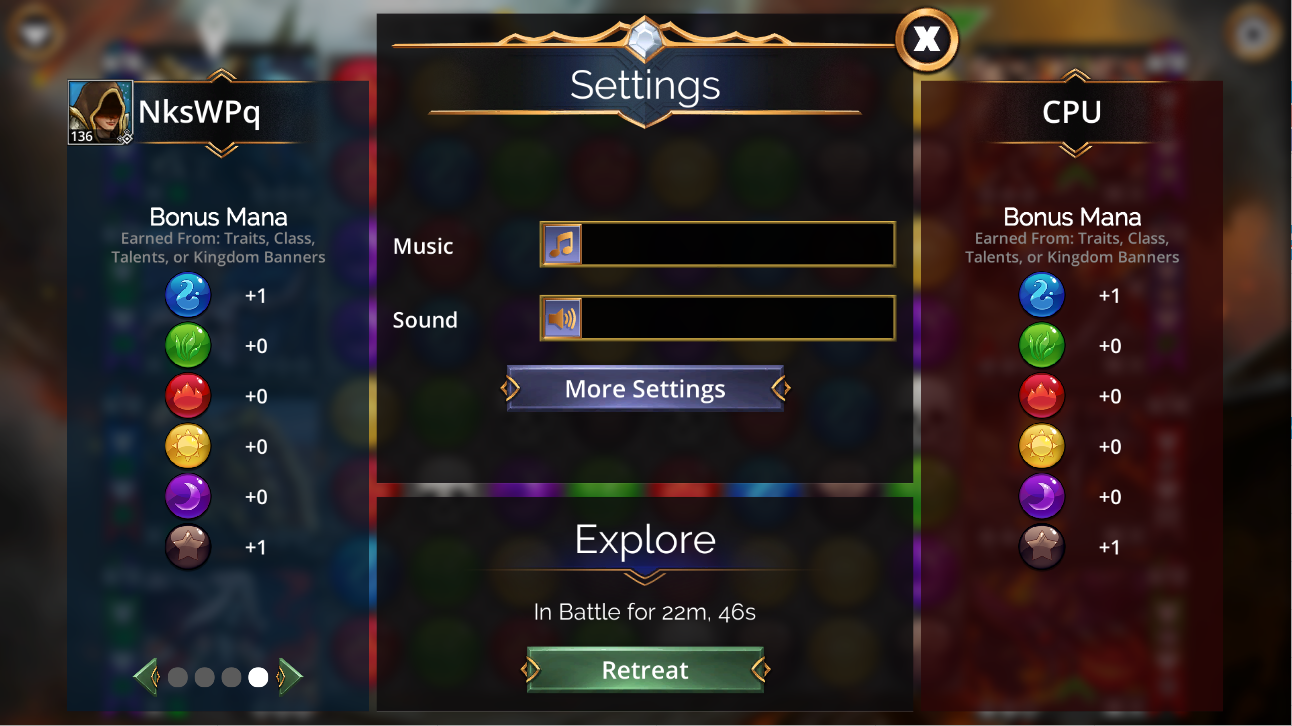
Toggling through the Green Arrows in this menu shows:
The current game mode
Time spent in the battle
The portrait, level and name of your opponent
The number of Resources earnt by both sides and the maximum possible you can earn from the battle
The number of Kills and the maximum Kills
Mana Surge chances of each team
Music Volume
Sound Volume
From this screen, you can also access the main Settings menu by selecting the Settings button in the top left corner of the Battle Info menu.
Treasure Hunt Info menu
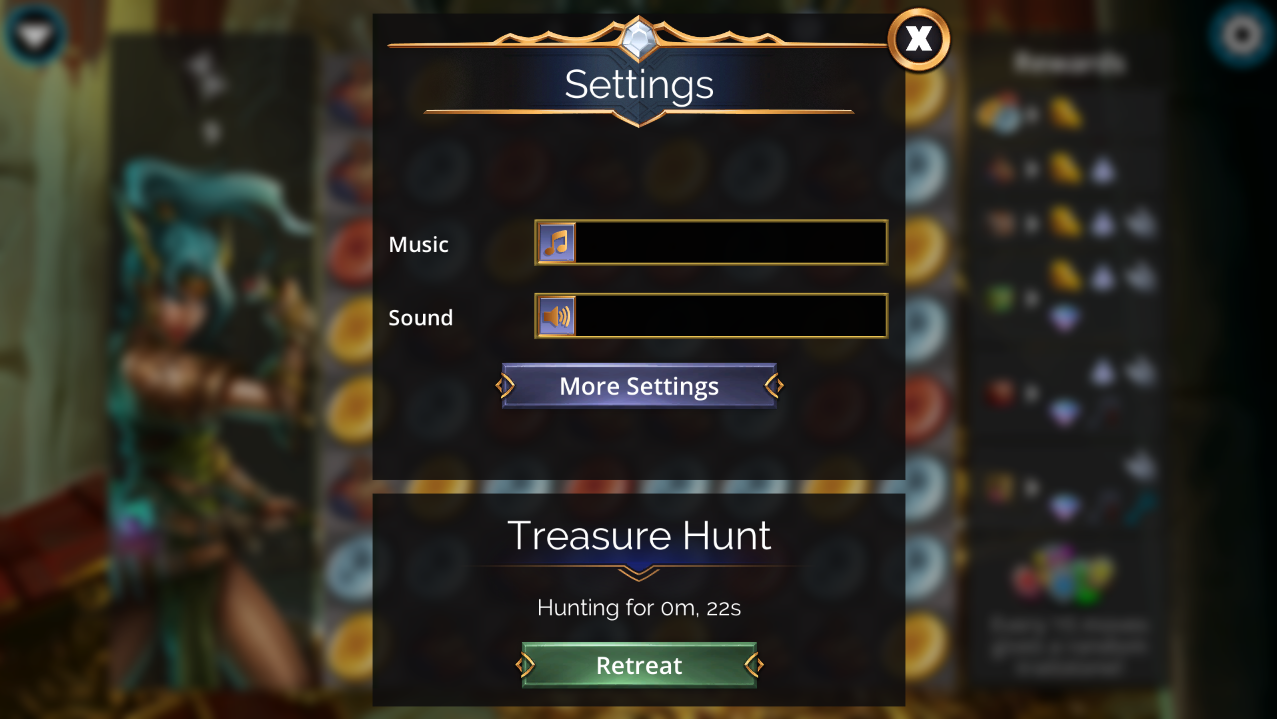
In Treasure Hunt, this menu displays:
Time Treasure Hunting
Turns Taken
Turns Left
Traitstones obtained
Music Volume
Sound Volume
Was this helpful?