Emoji Packs
Select from a set of emoticons in global chat to add some fun to the conversation. Unlock Emojis by achieving certain milestones in the game.
Express how you're feeling with emojis in global chat! Emoticons or emojis can be unlocked in Gems of War by completing a task to unlock an Emoji Pack. Each Emoji Pack comes with at least 4 Emojis to use. If you're on a mobile device, you can't use your own Emojis - only the ones shown in-game.
Contents
Unlock Emoji Packs
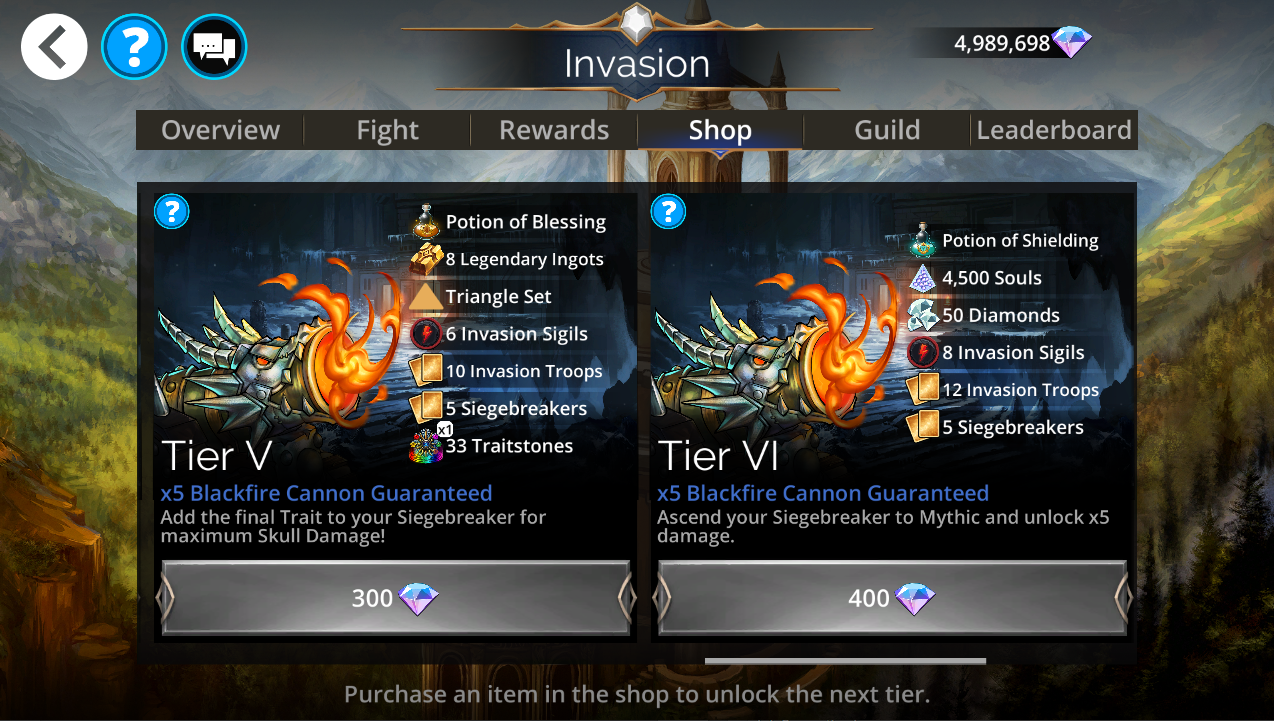
Unlock Emoji Packs
Emoji Packs can be unlocked by:
Completing tasks in-game (such as joining a Guild)
Purchasing Shop Tiers from Live Events with Gems
These will be named with the word set, such as "Bone Set" in the Invasion Guild Event
Available Emoji Packs
Certain packs can be unlocked by:
Use Emojis in global chat
To use Emojis in Global chat:
Open global chat from the World Map (speech bubble icon in the top-middle of the screen)
Check that you have a channel selected from the "Channel" section of Chat Settings
Select the smiling icon on the left of "Send"
Select an Emoji
Select the text box or select Send to close the Emoji selection panel
Select Send again to post the Emoji to chat

Tips
Emojis can generally be found in similar Shop Tiers for each Guild Live Event
You can't use iOS, Android or Amazon Emojis - these will come up as upside-down question marks (¿¿¿¿)