Guild menu overview
Use the Guild menu to coordinate with your Guild members, complete tasks and unlock more rewards.
Gain a brief understanding of what each screen in the Guild Menu does. Select the URLs in the descriptions for more information on each feature.
Contents
The Overview tab
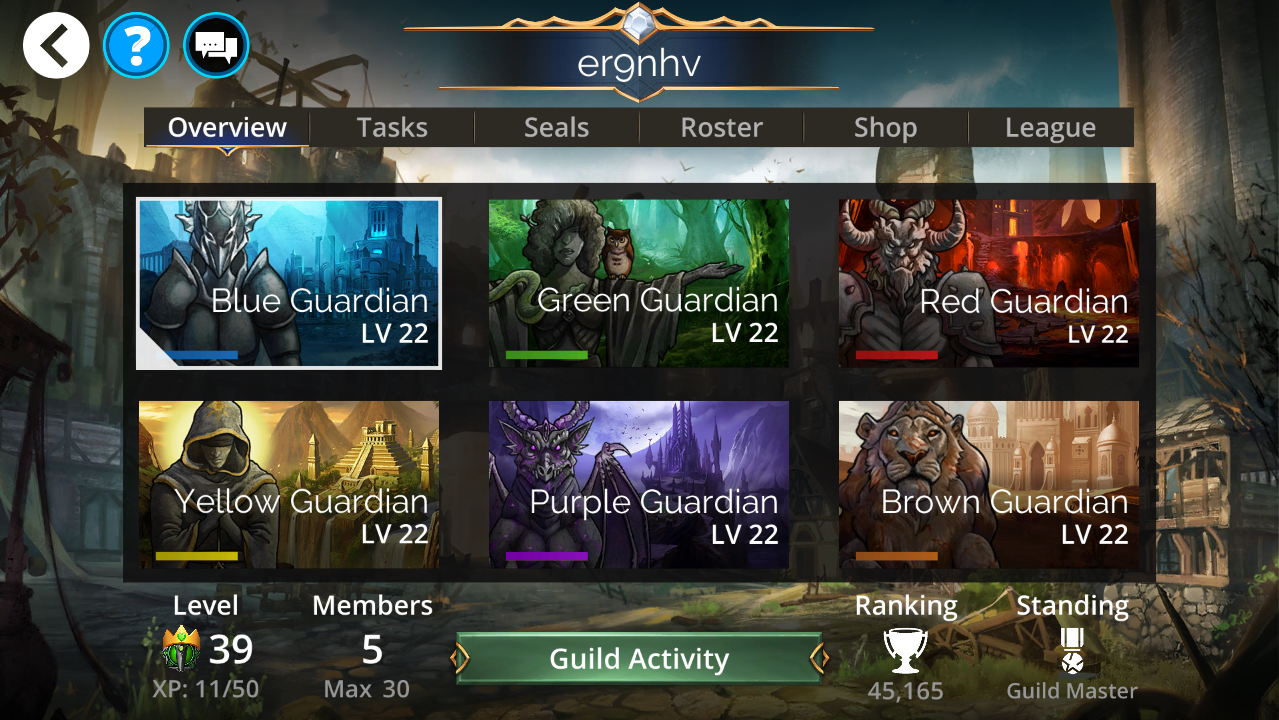
The Overview Screen shows:
Level of the Guild
Number of members in the Guild
Rank of the Guild compared to other Guilds
Your standing in the Guild
Levels of each of the six Guild Guardian Statues
Guild Statues
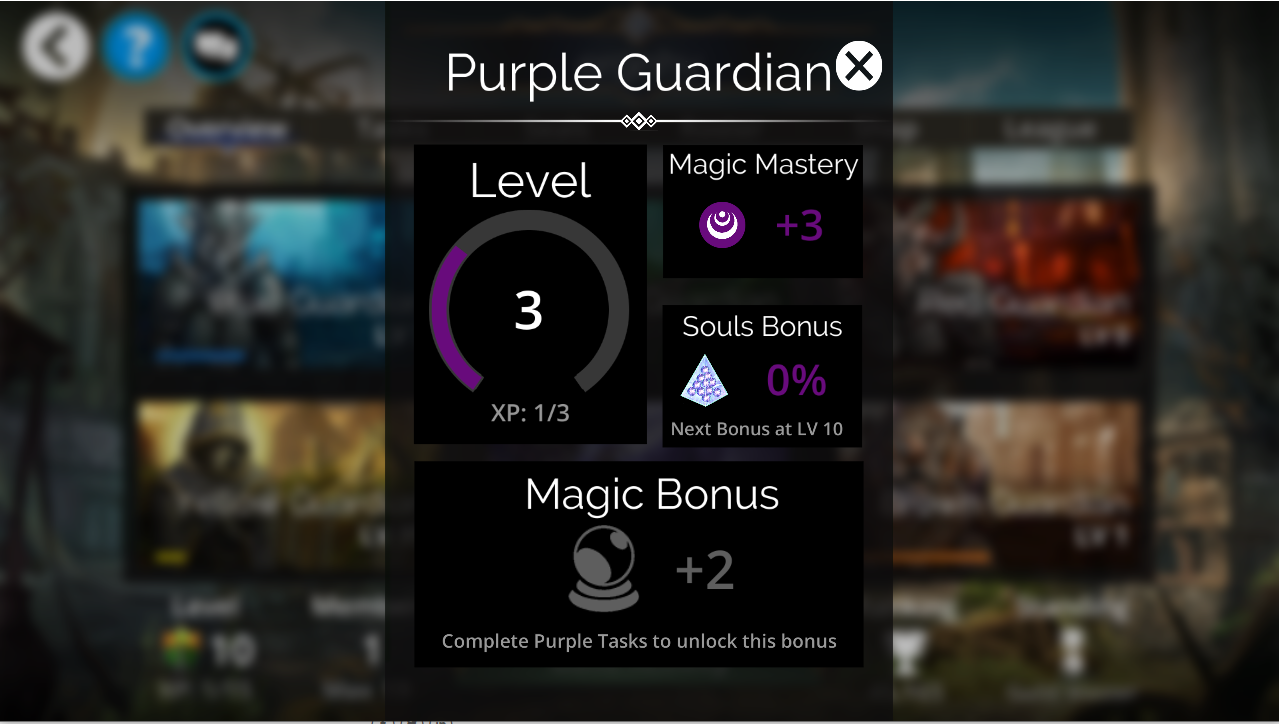
Guild Statues increase in Levels as your Guild completes more Tasks. Increased levels provide a number of bonuses. Each Guild Statue can be expanded to display:
Its level and progress to the next level
The amount of Mana mastery provided
The specific reward bonus unique to each statue (i.e. the purple statue provides a bonus to souls)
The temporary Skill bonus from completing a weekly Task, whether it is active and (if it is) how much longer it will last
Guild Activity log
Select Guild Activity to view activities and Tasks completed by your Guild members, including:
Players joining or leaving the guild (includes players being kicked)
Guild leveling up
Gold contributions to tasks
Guild promotions or demotions
Guild statue level ups
Guild Admin changes
Guild Chest levels unlocked
Tasks Completed
A player reaching Tier 1 in PvP
Tasks
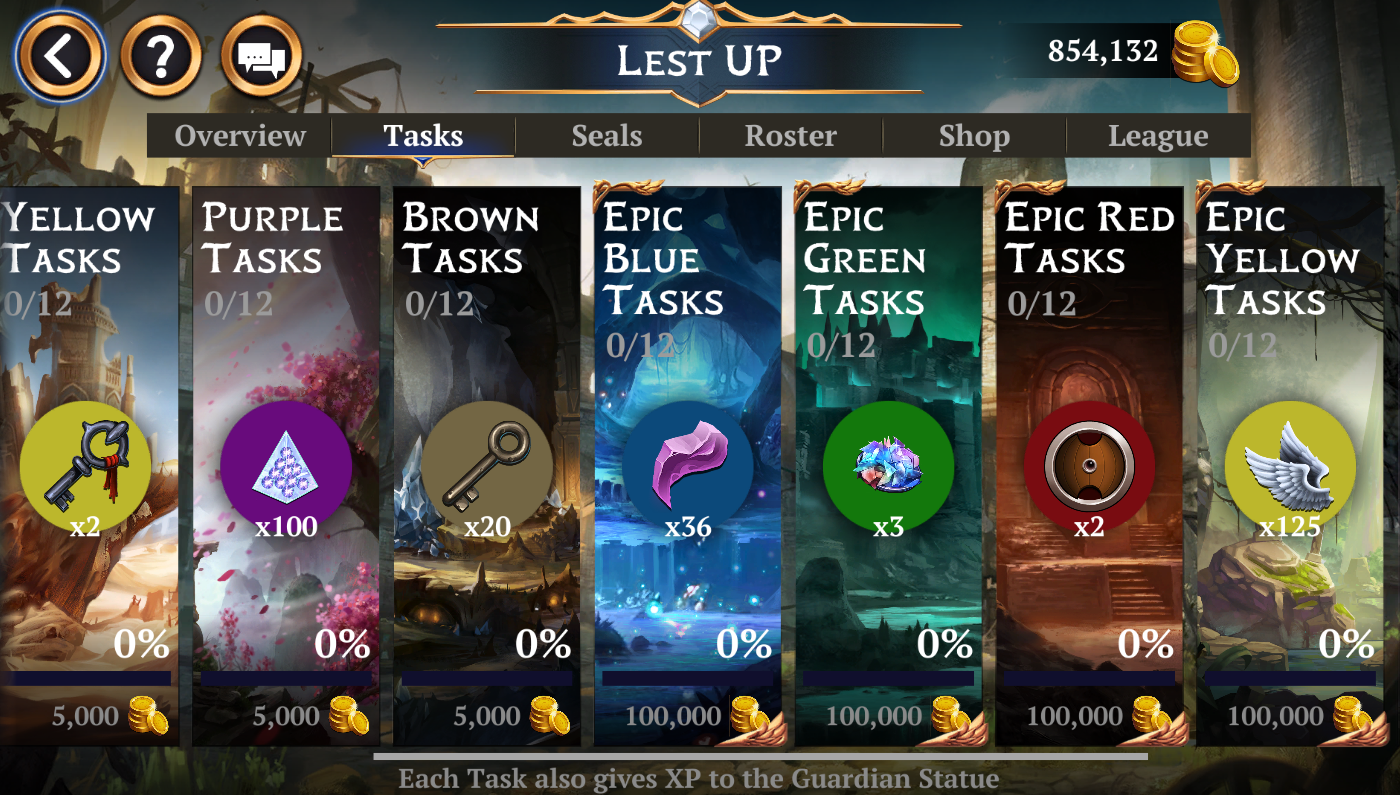
The Tasks tab shows each of the 12 weekly Task chains, the current task progress and the reward that the Task offers. Select a Task to donate Gold and unlock rewards for the entire Guild.
Seals
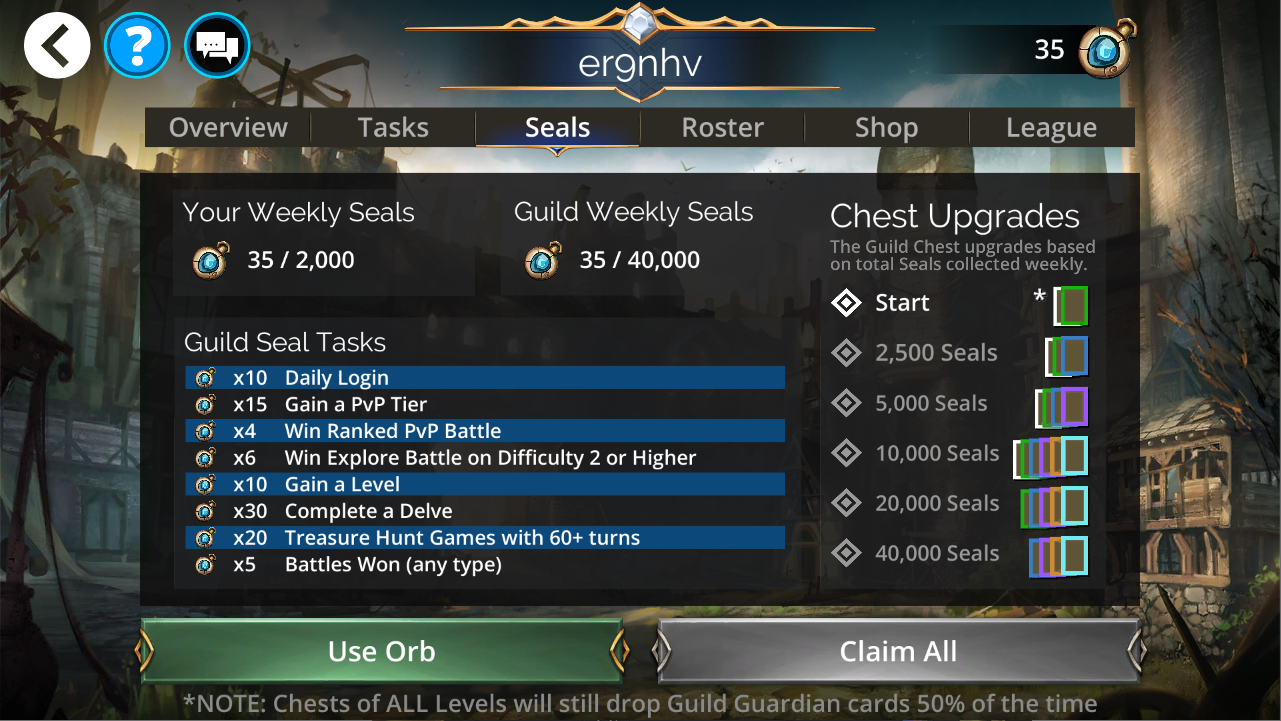
The Seals tab shows:
Your weekly Guild Seals
Your Guild's total weekly Seals
The Tasks you can complete to earn more Seals
The milestones required to unlock higher-quality Guild Chests, their respective rewards, and which tier is unlocked
Roster
See every player in the Guild, including their Class, Pet, Hero Level, name and rank. Both weekly and total contributions of Gols, Seals, and Trophies are shown.
Filtering
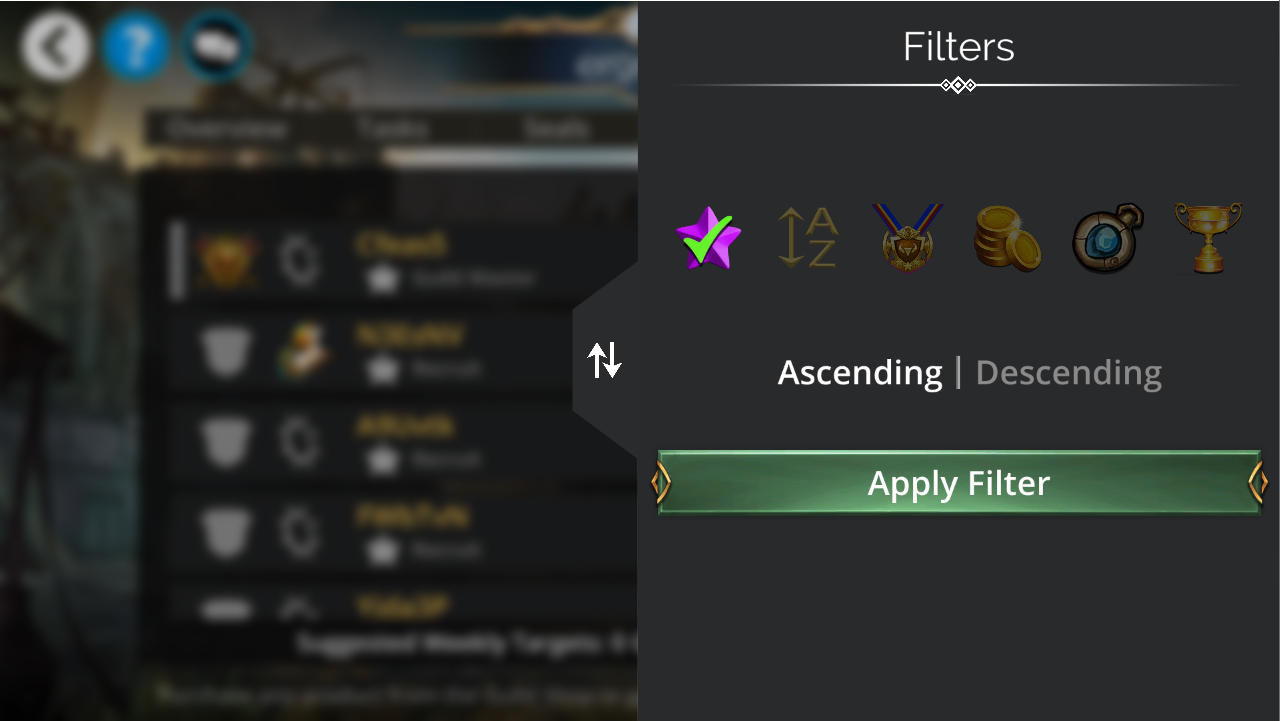
The Roster can be sorted by:
Player level
Name (alphabetical)
Guild rank
Gold contributed
Seals
Trophies
Player information and gifts
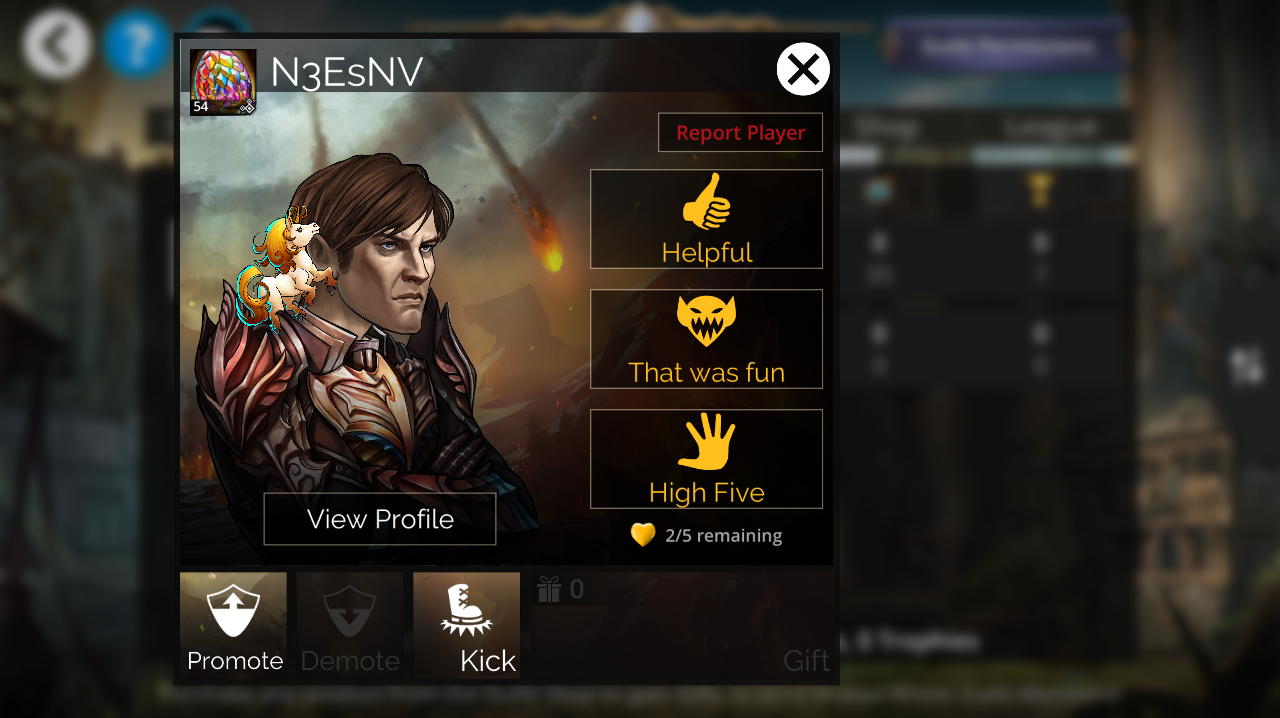
Select a player from the Roster to view their profile or give them a Gift if you purchased one from the Guild Shop. If you're a Guild Leader this is also where you can manage members. For more information on managing members as a Rank 1 or 2 Guild member go here.
Shop
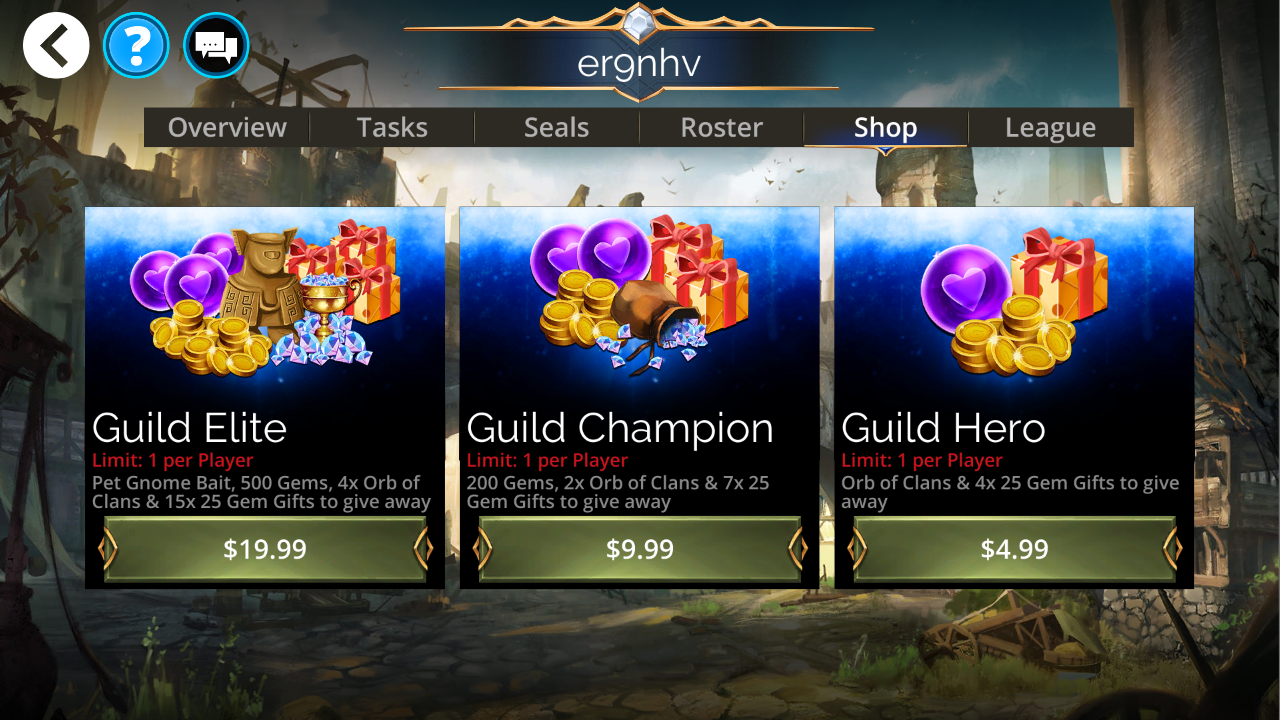
Use the Guild shop to purchase packs that contain Orbs of Clan to earn more Seals and Gem Gifts, which contain 25 Gems which can be viewed in your inventory and sent to players by selecting them in the Guild Roster. The packs also contain Gems for you, and the Guild Elite Pack also contains a Pet Bait, which can be used to guarantee a Pet Gnome appears in your next PVP battle.
League
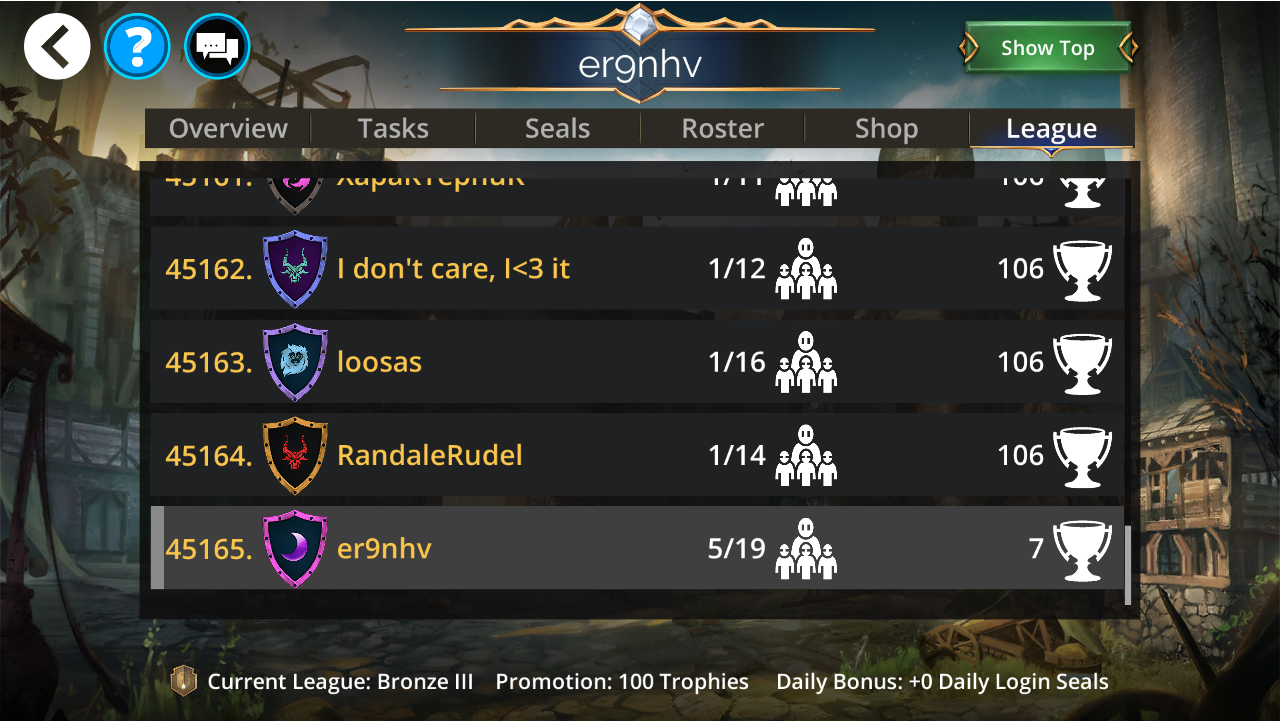
See your Guild's rank against all other Guilds on your platform in the game. Select "Show Top" to see the highest ranking Guilds. See the name, shield, number of player and number of Trophies in the League tab. At the bottom, see the title of your League, the number of Trophies required to be promoted, and the Daily Bonus reward you earn for your position.
Guild Chat
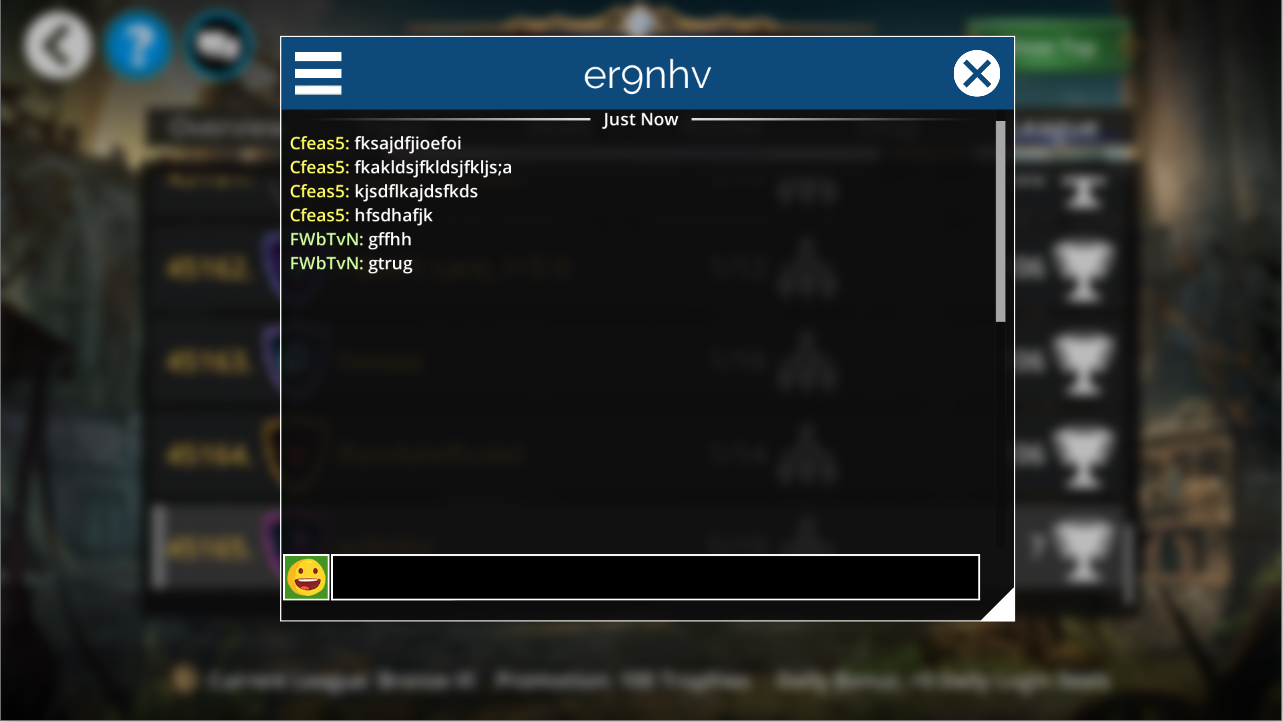
Use the Guild Chat channel to strategise and socialize with your other Guildmates. This menu can be accessed from the chat menu in the top left-hand corner of the game, where you can also switch back to global chat.