Purchase Not Received
Try these steps if you don't receive your Gems of War purchase immediately.
To receive a refund, you'll need to contact the publisher of Gems of War on your platform.
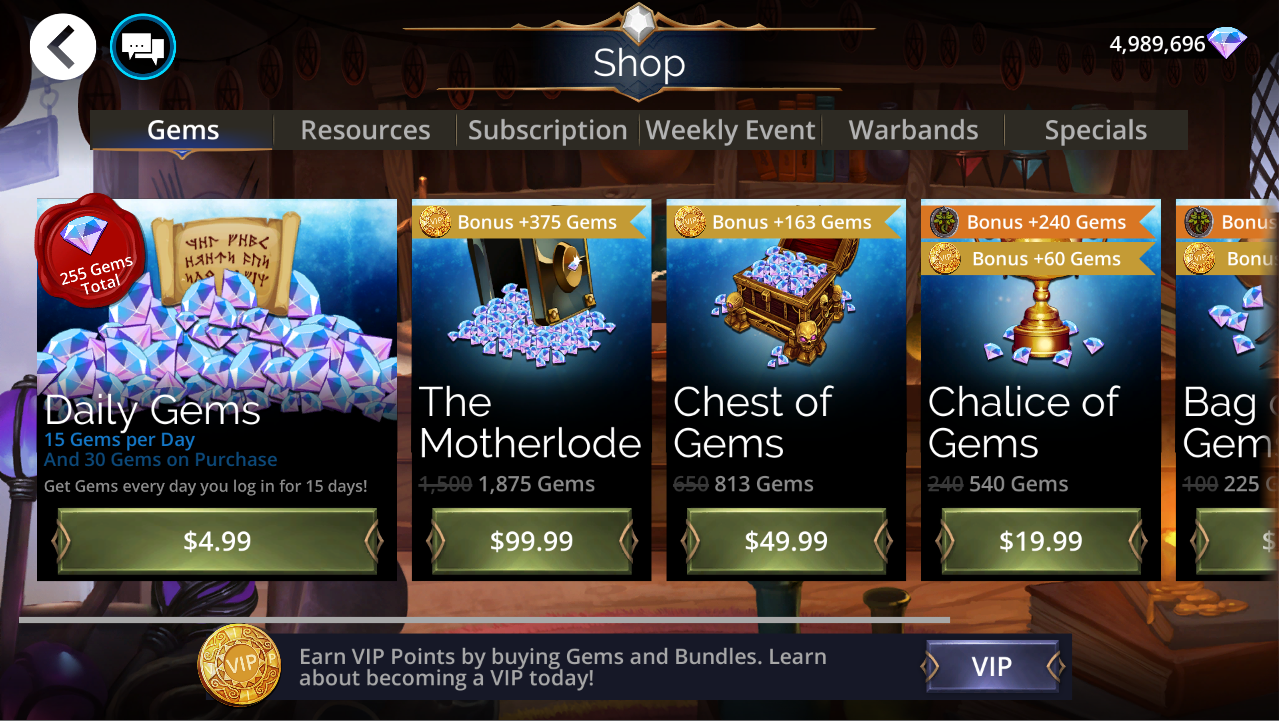
Close and reopen the in-game shop
If you are in the shop or another menu, return to the World Map and then select the Shop Icon again. If this does not work, try returning to the World Map and opening the PVP Menu, then returning to the shop again. This forces the game to manually connect to the server.
Wait an hour and reopen Gems of War
Sometimes the purchase may take up to an hour to come through. After waiting an hour, try force-closing the game and reopening it to see your purchase.
Check if background app refresh is enabled
If you're on a mobile device, search for "Background app data" or background app settings and ensure this is enabled for Gems of War.
On iOS
Open Settings > General
Select Background App Refresh
Check Background App Refresh is enabled for all apps, as well as Gems of War (toggle to green)
On Android
Ensure background app refresh is set to Enabled/On for Gems of War in Settings
From the start screen, open Settings
From the Mobile section, tap “Mobile Data Usage” or Data
Select Gems of War
Check that “Allow background data usage" is on or enabled
In Settings, tap “Data Usage.”
On SONY and XBOX
Open in-game Settings > Account
Press Check for Purchases
Allow to process
Contact support
If you still don't have your purchase after waiting an hour and completing the above, contact support with "Purchase Issue" selected, a screenshot of your receipt and your invite code - we'll sort you out! Please include a receipt.
For more information on how to locate your receipts: Locating Purchase Receipts
To be able to assist you as fast as possible, please contact Support ASAP if you still do not see your purchase within 24 hours.
If you contact Support after an event ends, a flash offer is no longer available, or you wait more than a week, there is a chance they will not be able to verify your purchase.