How to find your invite code
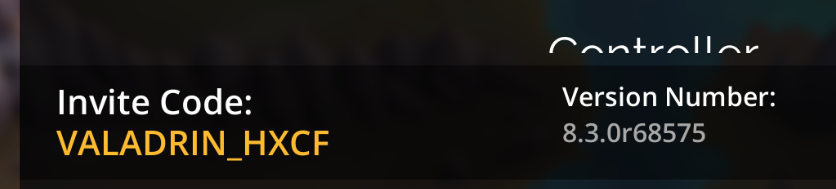
Your invite code is a unique code used to identify your account. It can be used by other players to send you an invitation to their Guild, to redeem gift codes or by the Gems of War Support Team to identify and locate your account.
Your invite code can be found at the bottom of the in game settings menu, which you can find by:
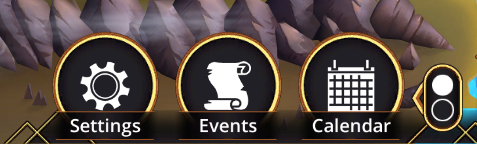
PC, mobile, Nintendo Switch: Select the Settings button on the World Map (see image below)
You may need to cycle the menu by pressing the traffic light icon on the right if you cannot see the Settings menu, and it is showing PVP - Games - Guild, instead.
Xbox: Press the Menu button on your controller
PlayStation: Press the Options button on your controller
Was this helpful?